How hardware wallets actually work
A $79 stick of metal protects billions of dollars in aggregate. That only makes sense once you see what the chip actually does — and what it refuses to do. No math background needed for this walkthrough.
The entire value proposition of a hardware wallet fits in one sentence: your keys should live on a device that can use them without showing them. Everything else — the screens, the chips, the certification levels — is engineering in service of that sentence. This guide walks through what actually happens when you press "send", so the spec sheets on our wallet reviews read like familiar machinery instead of jargon.
The problem: keys on connected machines
Your crypto never lives in a wallet. It lives on a blockchain — a public ledger replicated across thousands of machines. What you actually hold is a private key: a number that authorizes movements of the coins assigned to the matching address. Spend authority is entirely key authority; passwords, emails and accounts are all just conveniences wrapped around it. That's why key storage is the whole game. A phone or laptop holding private keys is a device running an operating system with millions of lines of code, a browser, and a user who clicks things. Any malware that copies a file owns the funds. A hardware wallet's job is to make that file impossible: the key is generated inside the device and the device is built so the key physically cannot leave — not by policy, but by silicon.
What signing actually is
Here's the elegant part: moving coins never requires revealing the key, only proving you have it. When you send a transaction, your computer builds the transaction — recipient, amount, fees — and hands the device a summary to sign. The device shows you that summary on its own screen, you confirm with physical buttons, and the device performs the cryptographic operation inside itself, emitting only a signature: a short string that the network accepts as proof the key-holder approved this exact transaction. The key never crosses the USB cable. This is why a malware-infected computer and a hardware wallet can coexist safely: the worst the computer can do is lie about what you're signing, which is why you read the amount and address on the device's screen, not your monitor's. It's also why devices with screens too small to show a full address are worth avoiding — the habit of skimming is the residual attack surface, as covered in our buying guide.
Secure elements and EAL ratings
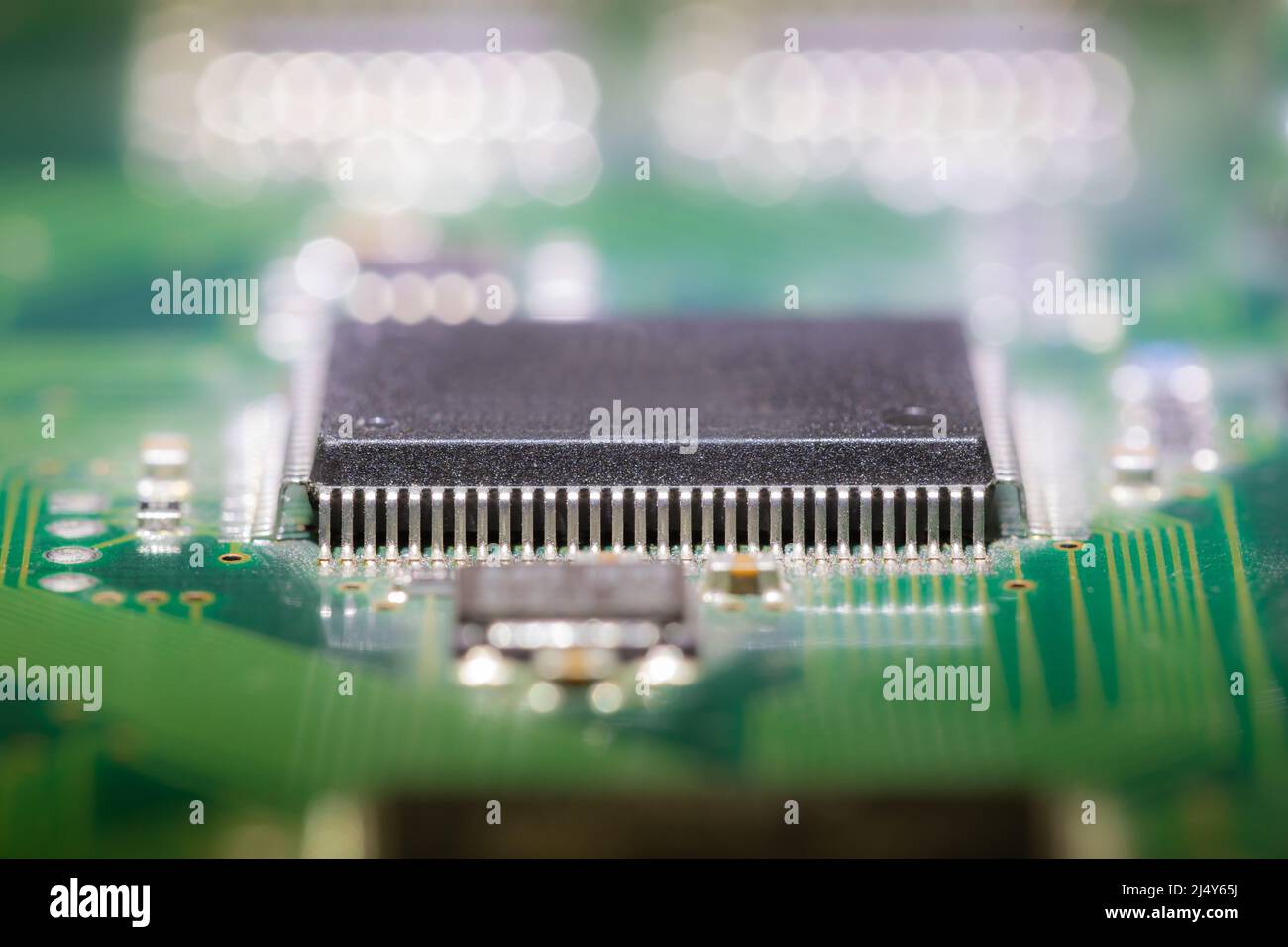
The key lives in a secure element: a hardened chip designed to resist physical attack — decapping the package, probing the die, or glitching the power supply to make it misbehave. Certification follows the Common Criteria scheme with Evaluation Assurance Levels. EAL5+ and EAL6+ mark chips evaluated against physical tampering; the NGRAVE Zero's EAL7 is the highest level that exists, evaluated for methods that go after the chip's internal design itself. Two nuances keep these numbers honest. First, an EAL rating evaluates the chip, not the wallet — a great chip behind terrible firmware is still a bad wallet. Second, some open-source designs (Trezor's older models famously) traded the sealed chip for verifiable code, arguing you can audit software you can't audit silicon. Modern devices increasingly do both — a secure element plus open, reproducible firmware — which is why our reviews list chip and source policy separately.
Air gaps: QR, SD and NFC
A USB connection is a data channel, and data channels carry attacks. Air-gapped wallets remove the channel: the device has no network hardware and no USB data pins, so instructions and signatures travel by media you can inspect — a QR code displayed by your computer and read by the wallet's camera (Keystone, ELLIPAL, NGRAVE), a microSD card (COLDCARD), or NFC taps. The security gain is real but bounded: the QR payload is still chosen by your possibly-infected computer, which is why screen verification on the device matters more than the transport. What the air gap genuinely eliminates is whole vulnerability classes — malicious USB firmware, network stacks, driver exploits. That's the reasoning behind the "best for Bitcoin" picks in our reviews, and it's why the COLDCARD line stays Bitcoin-only: every removed feature is an attack surface that no longer exists.
Why open source matters here
Wallet firmware decides what gets displayed on that screen and what the buttons authorize. If that logic is closed, you're trusting a vendor's word; if it's open and reproducibly built, independent researchers can verify the binary on your device matches the published code. Trezor and BitBox publish everything; COLDCARD and Keystone publish verifiable builds. Open source isn't a magic shield — it's many eyes and the possibility of verification — but in a domain where the software arbitrates billions, "trust me" is a weaker position than "check me." The practical step for you is simpler than reading code: devices verify their own firmware on startup against vendor-signed releases, so buy from official stores (per the buying guide) and let the checks run.
What a hardware wallet does not protect
Knowing the limits is what makes the device valuable rather than talismanic. It cannot save you from signing a malicious transaction — if a fake site convinces you the drain contract is a mint, the device will happily sign your intent to lose funds, which is why the habits in spotting fake websites stay mandatory. It cannot protect a seed phrase photographed into a synced photo library — the words outrank the device, per our seed guide. It cannot recover anything if the seed is lost; there is no password reset in cryptography. And it cannot protect an account on a centralized exchange, which holds keys you don't control at all. Device for keys, discipline for words, skepticism for websites — the trilogy covers nearly every loss story we've documented.
The hardware wallet's genius is negative space: it works not because of what it does, but because of what it makes impossible. The key was never there to steal.
Ready to see which designs implement this best? The tested wallets page compares chips, air gaps and source policies across ten devices, with official store links.