The no-nonsense hardware wallet buying guide
Every recommendation here comes from devices we bought at retail, set up from sealed boxes, and used for real transactions. No manufacturer previewed this guide, and no affiliate link paid for a placement. That sentence is the whole sponsorship policy.
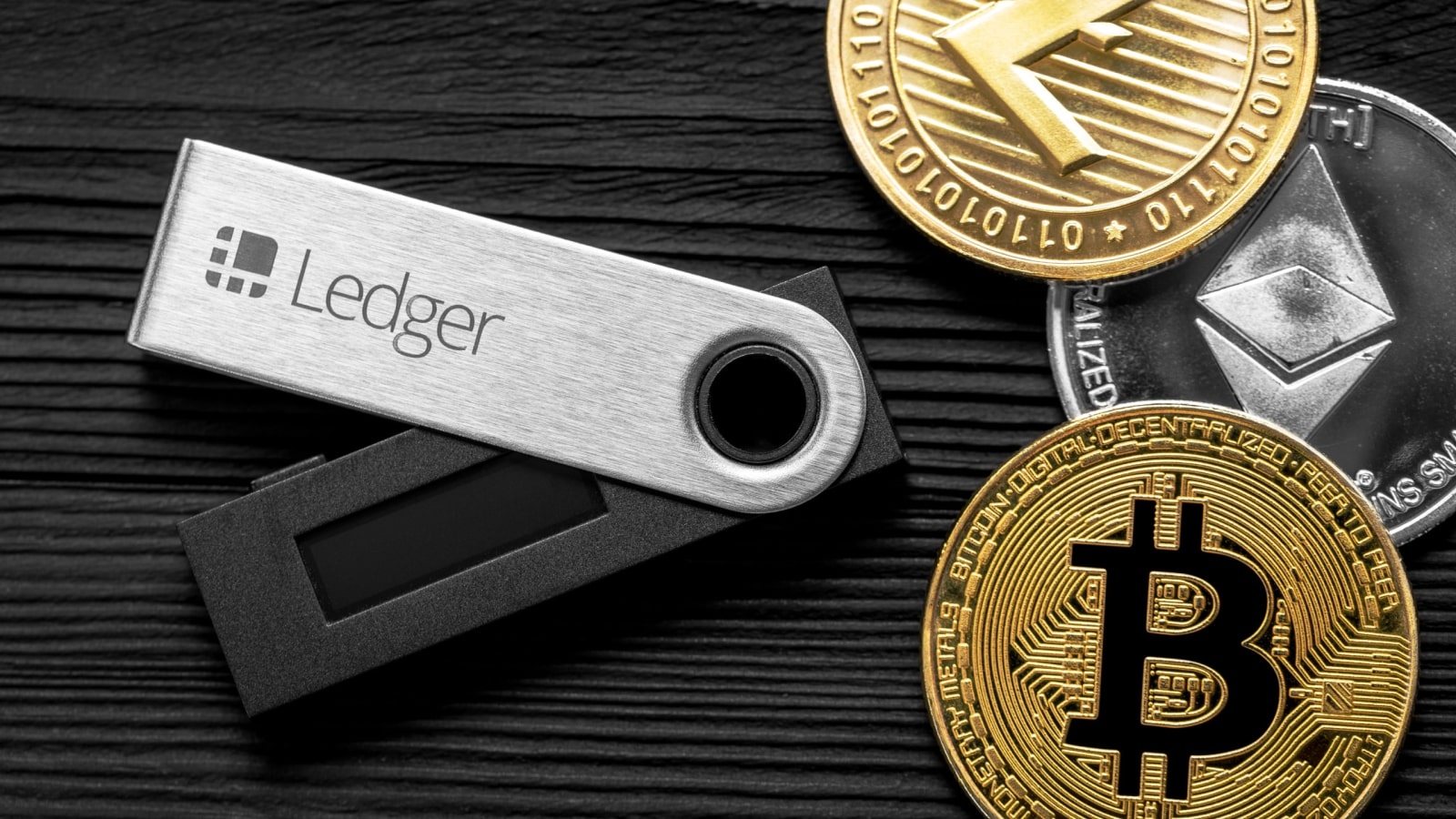
Ask five crypto forums which hardware wallet to buy and you'll get six answers, three of them sponsored. This guide strips the question down to what we learned testing ten devices with our own money: your threat model decides the wallet, the specs decide the tier, and the seller matters as much as the device.
Start with your threat model, not a brand
A hardware wallet solves exactly one problem: keeping your private keys off an internet-connected computer where malware can read them. It does not protect you from phishing sites that trick you into signing malicious transactions, from compromised exchange accounts, or from a house fire taking out your backup. So the first question isn't "Ledger or Trezor?" — it's "what am I actually defending against?"
If you hold a modest amount on a phone or laptop and your worst case is a keystroke logger, any certified device in the $79 tier solves your problem permanently. If you're signing smart contracts weekly and want a signature you can read comfortably before confirming, spend more for a good screen. If you're storing a meaningful long-term stash of bitcoin and you want the maximum distance between your keys and any connected device, an air-gapped wallet is worth its price. Everything else in this guide is just mapping those three situations to specific products.
Price tiers, decoded
After testing ten devices, the market clusters cleanly into four tiers, and the price differences track real hardware differences rather than marketing.
- Under $60 — the honest minimum. SafePal's S1 at $49.99 is the surprise here: a genuinely air-gapped device with a real secure element. Build quality is budget-tier, but the security architecture is sound. Trezor's Safe 3 at $79 sits at the top of this bracket and is the one we'd gift to family.
- $79–130 — the default tier. This is where most people should buy. The Ledger Nano S Plus ($79) delivers a certified EAL6+ secure element and the industry's widest coin support; the Trezor Safe 5 at $129 adds a beautiful haptic touchscreen; the Keystone 3 Pro at $129 brings QR-code air-gapping to the price range for the first time.
- $150–200 — the mobility and ruggedness premium. The Ledger Nano X adds Bluetooth and a battery for true mobile management; the ELLIPAL Titan 2.0 wraps a fully air-gapped, portless design in an anti-tamper metal body.
- $300+ — the maximum-paranoia tier. The COLDCARD Q ($319–369) and NGRAVE Zero (€348) exist for people storing serious bitcoin who want dual secure elements, EAL7 certification, or a keyboard that never lets a passphrase touch a computer. Overkill for most; exactly right for some.
The five specs that actually matter
Spec sheets are full of noise. These five lines carry nearly all the security meaning:
- Secure element certification. Look for a certified secure element (EAL5+ or better) storing the seed or at least signing keys. This is the chip that resists physical attacks if someone gets your device.
- Air-gapped or not. A USB-only device is fine for most people; its attack surface is the USB stack. An air-gapped device (QR code, SD card, NFC only) removes USB data entirely — the COLDCARD Q, Keystone 3 Pro, ELLIPAL Titan and SafePal S1 all do this, at very different prices.
- Source availability. Trezor and BitBox publish everything; COLDCARD and Keystone publish verifiable firmware; Ledger's OS is closed with open-audited apps. Open source means more eyes and reproducible builds — weight it if you can act on it, don't pretend you can if you can't.
- Backup and recovery flow. BIP-39 words are table stakes; Shamir shares (Trezor Safe series) and micro-SD full backups (BitBox02) are meaningfully better. What matters more is that you actually test recovery before trusting it — see our seed phrase guide.
- The screen. Whatever device you choose, you verify transactions on its screen, not your computer's. If the screen is too small or too coarse to show a full address comfortably, you'll start skimming, and skimming is how signature malware wins.
Specs we don't weight (and why)
Bluetooth sounds scary but in the Nano X it only carries encrypted instructions that the secure element still refuses to sign without a physical button press — we found no realistic path from a compromised phone to forged signatures. Battery life is comfort, not security. "Supports 50,000+ coins" mostly means ERC-20 token lists; check the coins you actually hold. And "military-grade encryption" on a product page is a sign to read the actual security documentation, which every serious manufacturer publishes.
Which wallet fits which person
For most people, most of the time: the Ledger Nano S Plus — cheapest certified secure element, widest support, boring in the best way. If you want open-source firmware and a screen you'll love: the Trezor Safe 5. If your stack is bitcoin and your priority is attack-surface minimalism: the COLDCARD Q. If you want air-gapped on a budget: the Keystone 3 Pro, or the SafePal S1 under $60. Our full verdicts, specs and prices for all ten devices live on the hardware wallets page, and the theory behind the specs is explained in how hardware wallets actually work.
Where to buy — the three rules
Devices get compromised in the supply chain, not usually at the factory. Buy from the manufacturer's official store, linked directly from their domain — every buy button on our wallets page does exactly this. Treat marketplace resellers and "discount" sites as compromised until proven otherwise; tampered-device stories overwhelmingly start there, and cloned wallet stores are a standing entry on our blacklist. And remember that a pre-seeded device is an attack: your wallet should generate its seed phrase on first boot, on the device itself. If it arrives with words already written down, it's a trap with a nice box — read how to spot fake crypto sites for the inspection routine.
First-week setup that matters
The first week decides whether the device actually protects you. Initialize it offline, write the recovery words on paper (or stamp them into steel), then — before sending any serious amount — wipe the device and restore from that backup to prove it works. Send a small test amount first, verify it on the device's screen, and only then fund it properly. Finally, run our 15-point security checklist to close the account-level gaps no device can fix: email hygiene, 2FA, and the bookmarks that keep you off phishing domains.
Expensive doesn't mean safe, and cheap doesn't mean risky. The $79 device bought from the right store and backed up correctly beats the $399 one bought from a marketplace listing every single time.
Ready to pick? Compare all ten tested devices with current prices on our hardware wallets page — every buy button goes to the manufacturer's official store.